iOS 27.3 Adds Face Unlock and One-Handed Controls to iPhone Duo
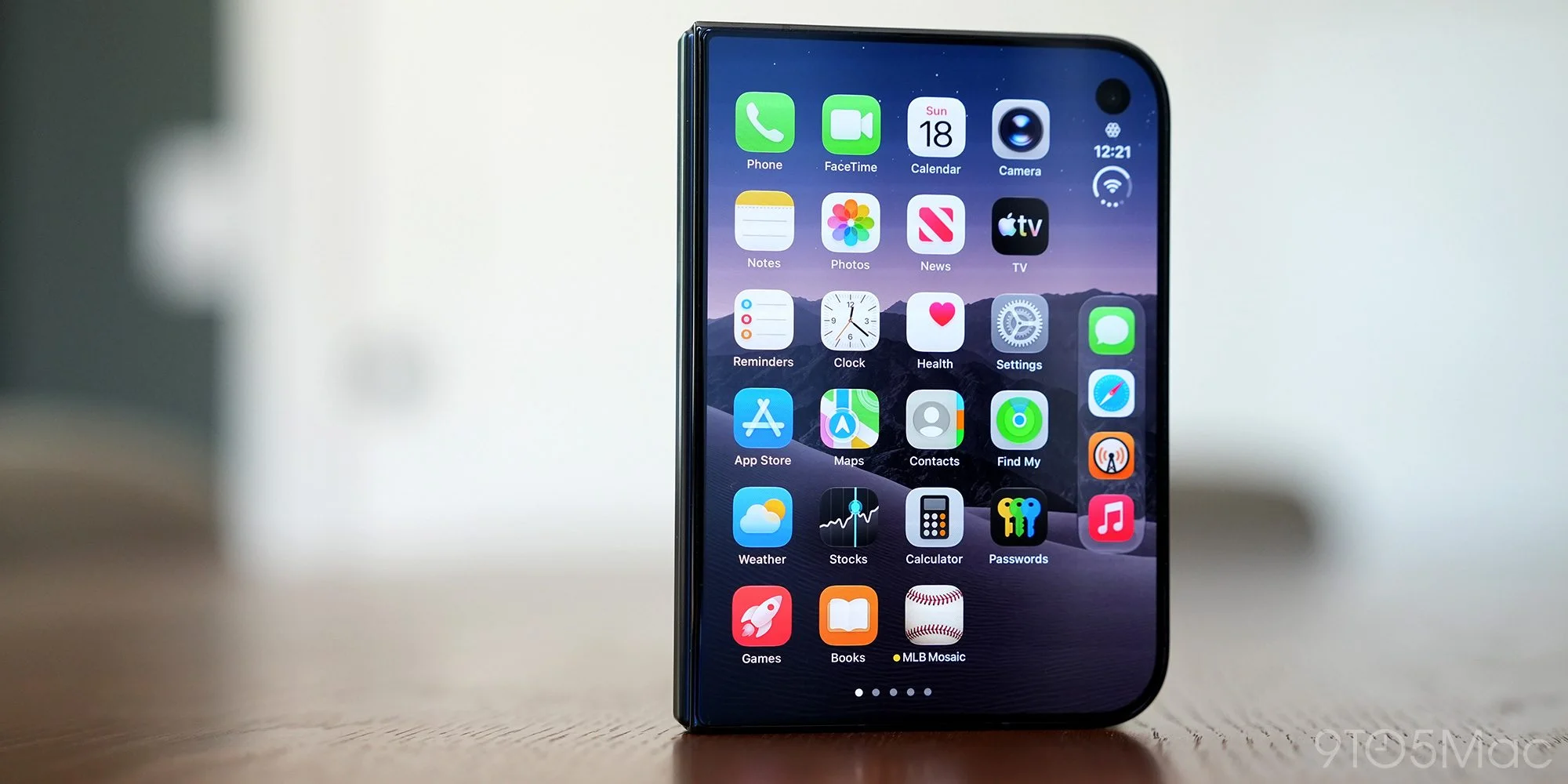
iOS 27.3 gives iPhone Duo users more control over how they unlock, hold and close the foldable. Face unlock and a one-handed reach mode address everyday friction, while a new close-to-lock setting lets users choose how the phone behaves when folded shut. The update is expected next month, so these changes are arriving as a focused set of refinements rather than a wholesale rethink of the device.
That focus makes sense for a foldable. Its outer screen has to work as a useful phone display on its own, even as the larger folding screen offers a different way to use the device. Small decisions about access, grip and screen state can therefore shape how often owners reach for one display or the other. The value of this update will depend on whether the new controls feel natural enough to become habits.
Face unlock adds a quicker way in
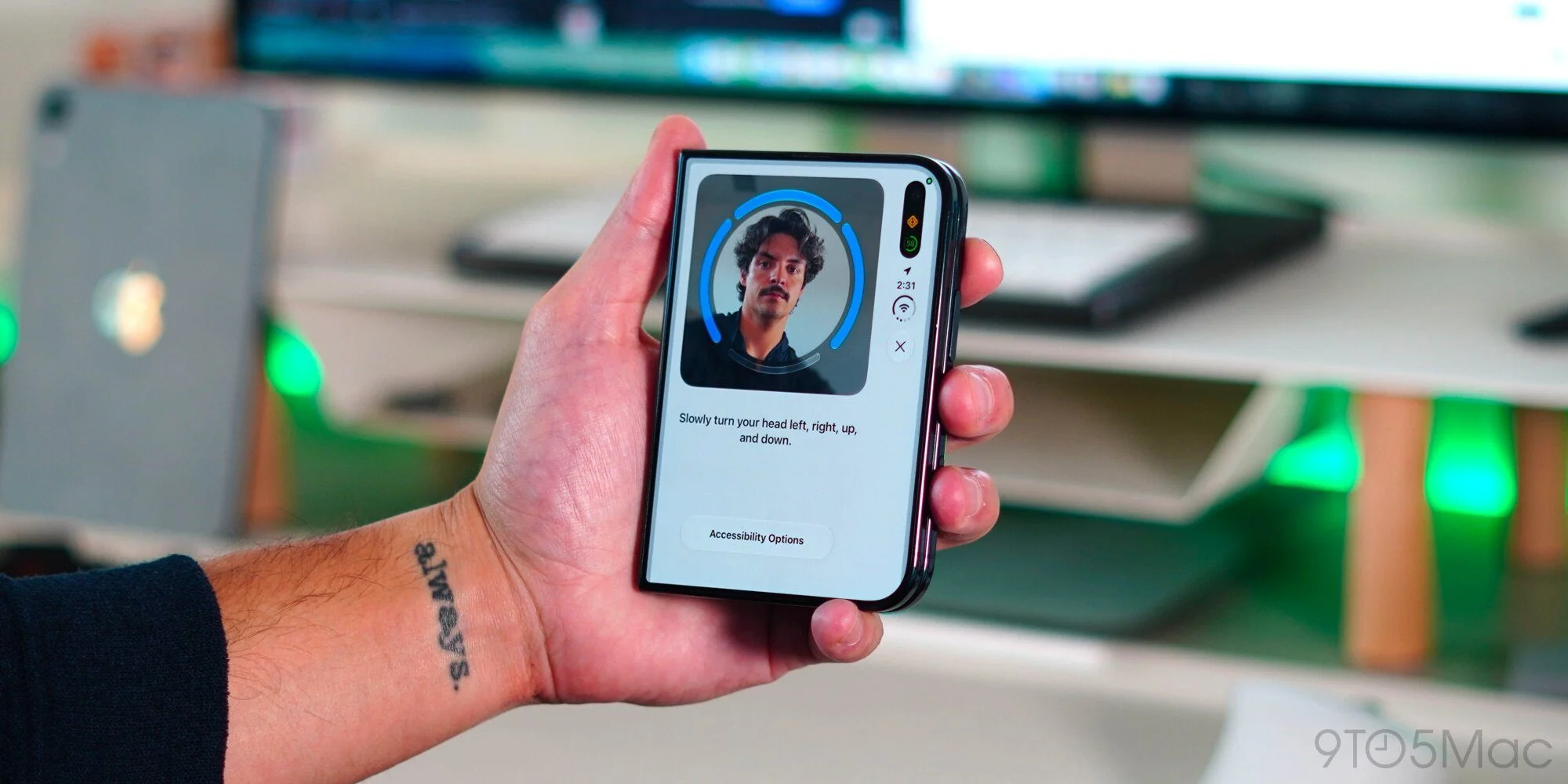
The most visible addition is face unlock for the iPhone Duo’s closed state. It uses the front camera, but it isn’t equivalent to Face ID: Apple Pay and other Face ID features aren’t supported. That distinction matters because “face unlock” can sound like a replacement for the phone’s established identity system. Here, it’s a narrower convenience feature for opening the device when it’s folded.
Use the front camera, along with a recent Touch ID or passcode authentication, to quickly unlock iPhone Duo when it’s closed. Face recognition data never leaves your device.
Apple says users must first authenticate with a recent Touch ID scan or passcode, and that facial recognition data stays on the device. There’s also a time limit: after 45 minutes without use, face unlock requires another Touch ID scan or passcode authentication. In practice, that makes it a convenient option during the day while keeping a stronger sign-in step after longer breaks. The added step may make the feature feel less immediate than Face ID, but it also defines a clear boundary around when the camera based unlock can be used.
iOS 27.3 also brings Attention Aware features to the outer display. They can reduce alarm and timer volume when the user is looking at the screen and keep it from dimming. These controls are available whether face unlock is enabled or not. That separation is useful: people can decide whether the display should respond to their attention without adopting the new unlock method.
Reachability adapts to the outer screen
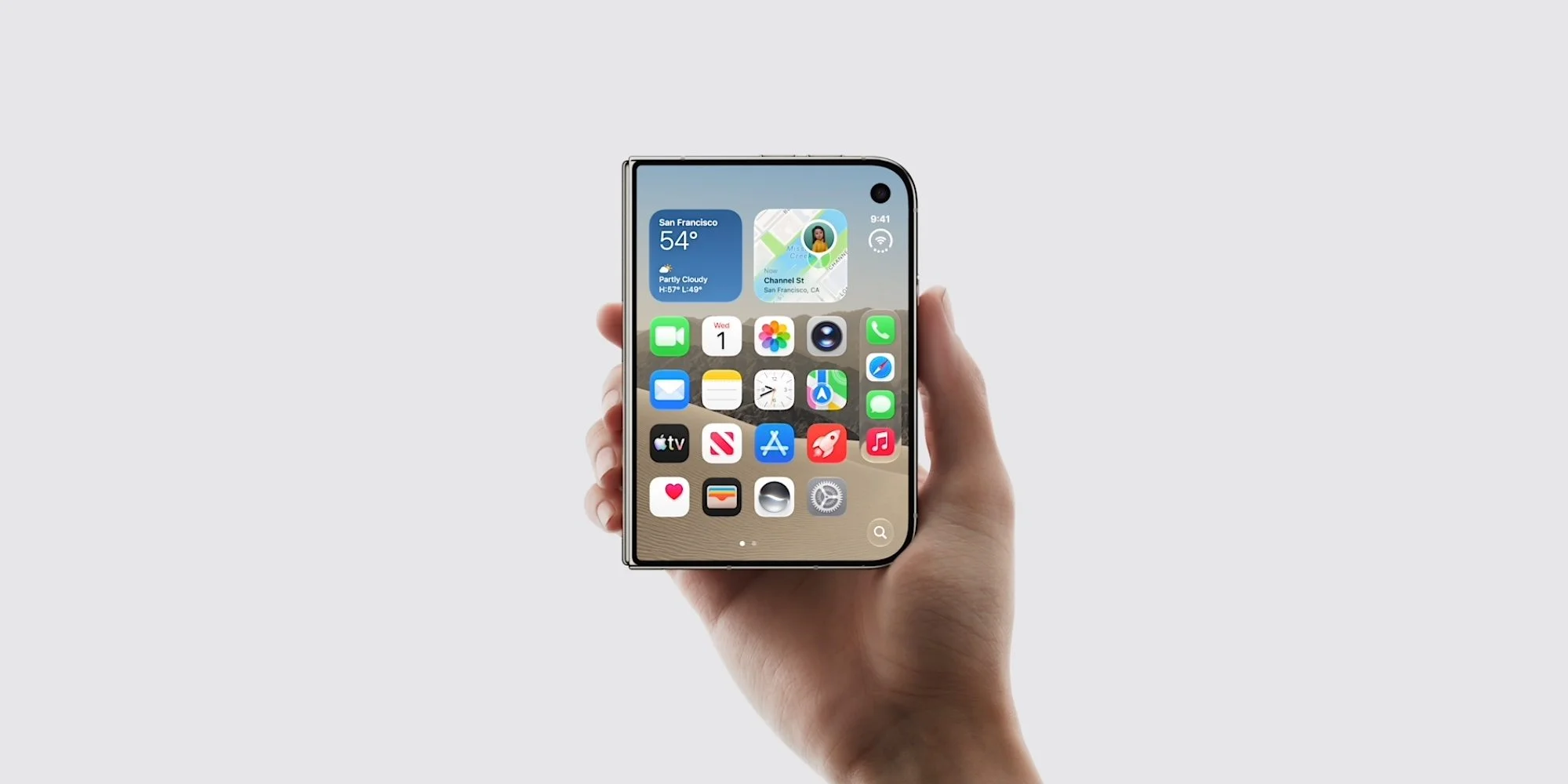
Apple has reworked Reachability for the iPhone Duo’s outer display. Rather than shifting content downward, as it does on other iPhones, the foldable’s version moves interface elements sideways. A swipe from the edge brings hard to reach buttons closer to the user’s thumb. The gesture recognizes that a foldable’s outer display has its own shape and handling constraints, so a familiar feature needs a different response to be useful.
That change targets a specific ergonomic problem: operating the outer screen with one hand. Users who trigger the gesture accidentally can turn Reachability off in settings. This is a small but telling choice. A one handed feature only helps if it’s easy to invoke deliberately, and an off switch gives people a way to avoid adding an unwanted gesture to routine use.
If you're working in this space, the point is broader than a single swipe: foldable software has to account for how people hold the device as well as how its screens change state. On a compact outer display, moving controls toward the thumb may save awkward stretches across repeated interactions. Whether the sideways motion feels obvious will take hands on use to judge.
Choose whether closing the phone locks it
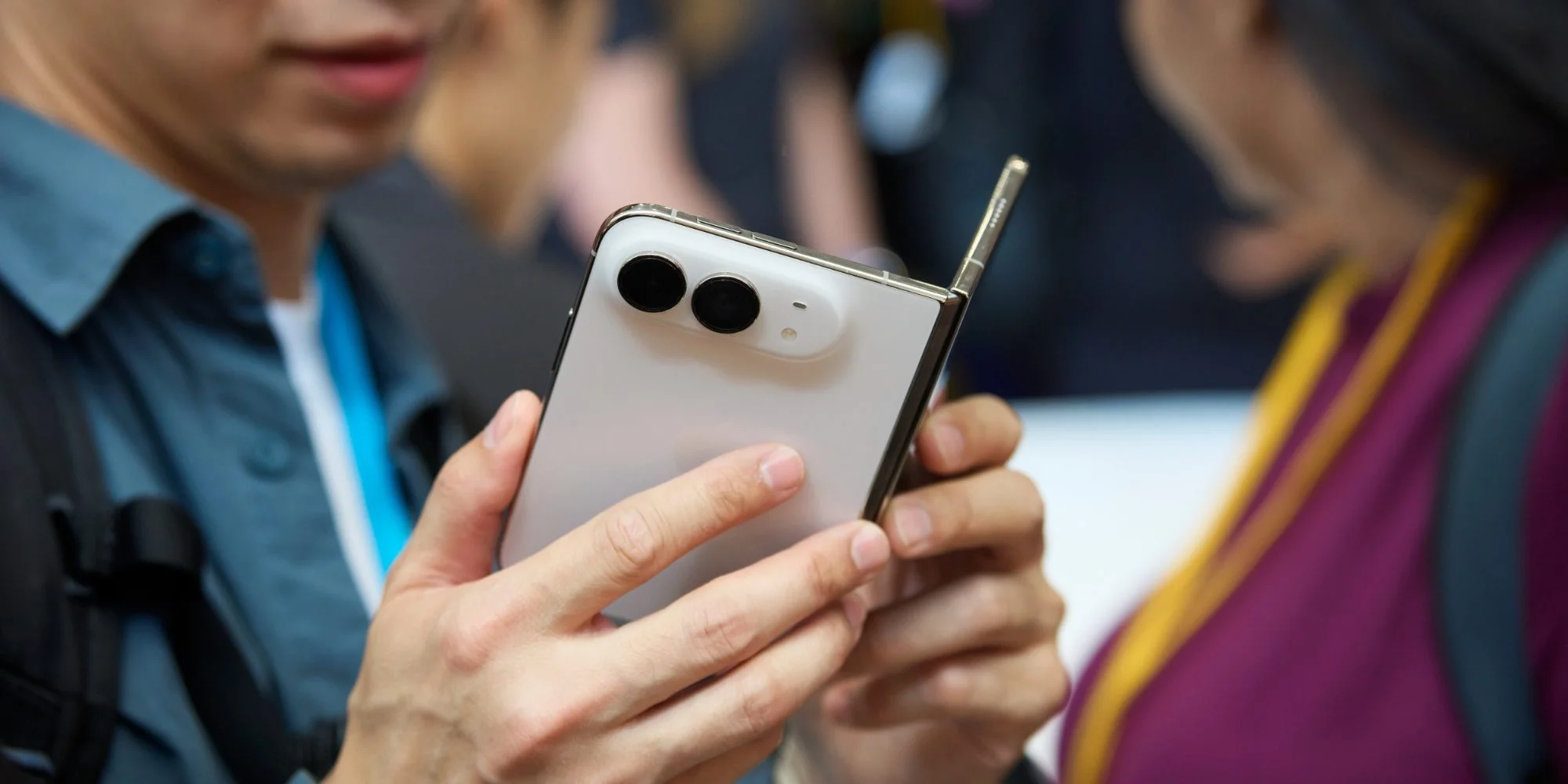
Closing the folding display will continue to leave the iPhone Duo unlocked by default. iOS 27.3 adds a setting for people who prefer the phone to lock as soon as it’s shut, found under Settings → Display & Brightness. The default preserves the current behavior, while the new option gives users a direct way to make closure signal the end of a session.
Shortcuts could already be used to create similar behavior, but a built in switch makes the choice easier to manage. The setting reflects two common ways of using a foldable: keeping a session active across screen transitions or treating closure as the end of use. That’s more significant than it looks. The hinge is a physical action, and letting software respond to it gives users a simple control over whether folding the device also changes its state.
Neither preference is universal. Someone moving between the inner and outer screens may want an app to remain ready, while someone who closes the phone after a task may expect it to lock. Here's the thing: a useful default can still be the wrong fit for a particular routine, so exposing the choice is sensible.
A tighter keyboard for one-handed typing
The outer screen keyboard also gets a small adjustment. Keys sit closer together, with a slightly thinner and smaller font, an arrangement intended to make one handed typing easier. That may leave less visual space between targets, so the change is a tradeoff between fitting the keyboard to the display and keeping each key easy to identify.
There’s no basis here to assume that narrower keys will make typing faster for everyone. Some people may value the roomier layout they already know; others may find the revised spacing easier when holding the phone in one hand. The practical test is whether the smaller lettering stays legible and whether accidental taps become more or less common. A modest change, with a real usability question attached.
Small changes, meaningful daily tests
Together, the changes focus on small but frequent interactions: unlocking the closed phone, reaching controls at the edge of the screen, choosing what closure means, and typing with one hand. They don’t change what the iPhone Duo is; they address the repeated moments when its outer display has to behave like a complete phone. That’s a sensible place for an update to concentrate, though the feature list alone can’t show whether the refinements work well in practice.
What this means for you depends on how you use the outer screen. If you often open the phone while it’s folded, face unlock may save a step, within its stated limits. If you switch between displays during a task, keeping the session active may suit you better than locking on closure. And if you mostly use the outer display one handed, Reachability and the keyboard changes are the features to watch.
And yet. Settings can offer choice, but the feel of a foldable still comes down to timing, grip and predictability. iOS 27.3’s value will be measured in those ordinary interactions after the update arrives next month, not by how many switches it adds.