Transitioning from Kubernetes Dashboard to Headlamp: A Practical Approach
Kubernetes Dashboard served as a pivotal introduction to Kubernetes for many users, providing an accessible interface to monitor clusters and resources. Its visual simplicity enabled developers, students, and operators alike to familiarize themselves with Kubernetes functionalities without deep diving into command-line intricacies. However, with its recent archiving, the powerful legacy of Kubernetes Dashboard now gives way to Headlamp, a tool that seeks to preserve ease of use while integrating modern features that cater to today's Kubernetes landscape.
Mapping Kubernetes Dashboard Workloads to Headlamp
Transitioning users from Kubernetes Dashboard to Headlamp is designed with familiarity in mind. Existing workflows will feel comfortable as Headlamp builds upon the foundation laid by the Dashboard. It allows continuity by preserving familiar actions and enhancing them with additional capabilities.
Viewing Workloads and Resources
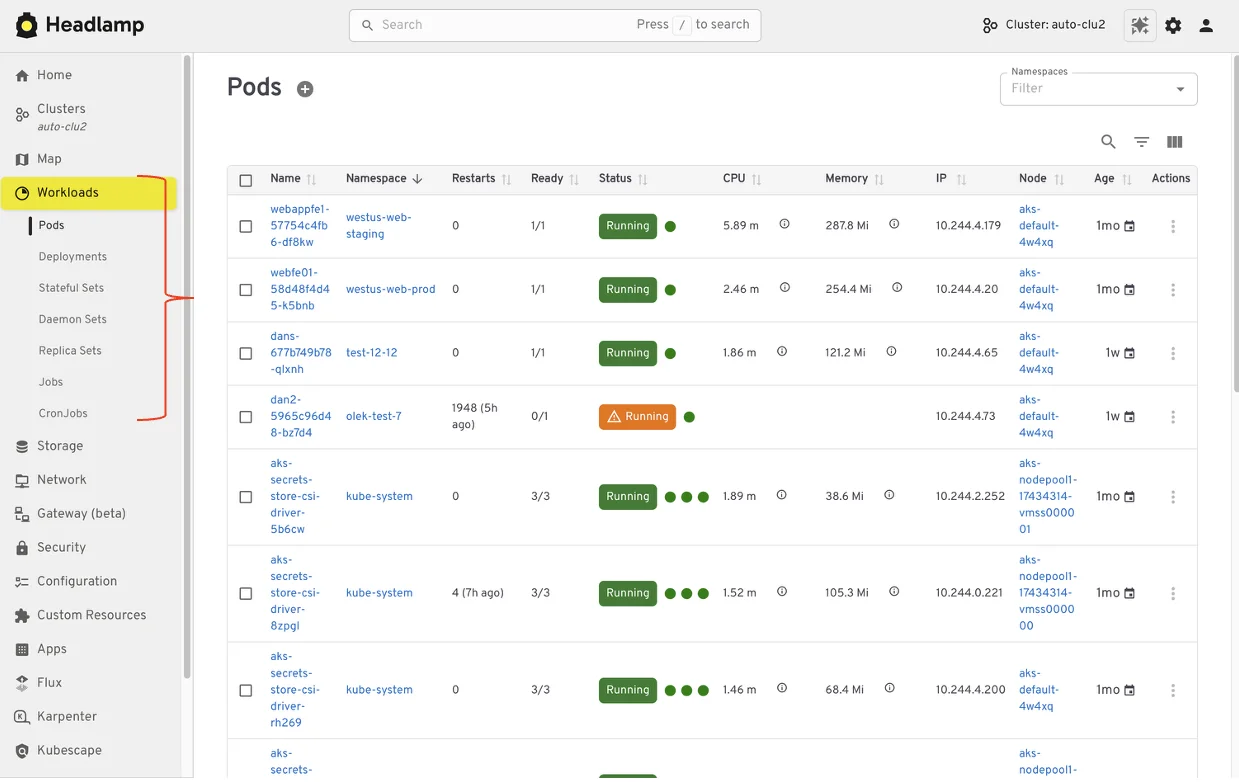
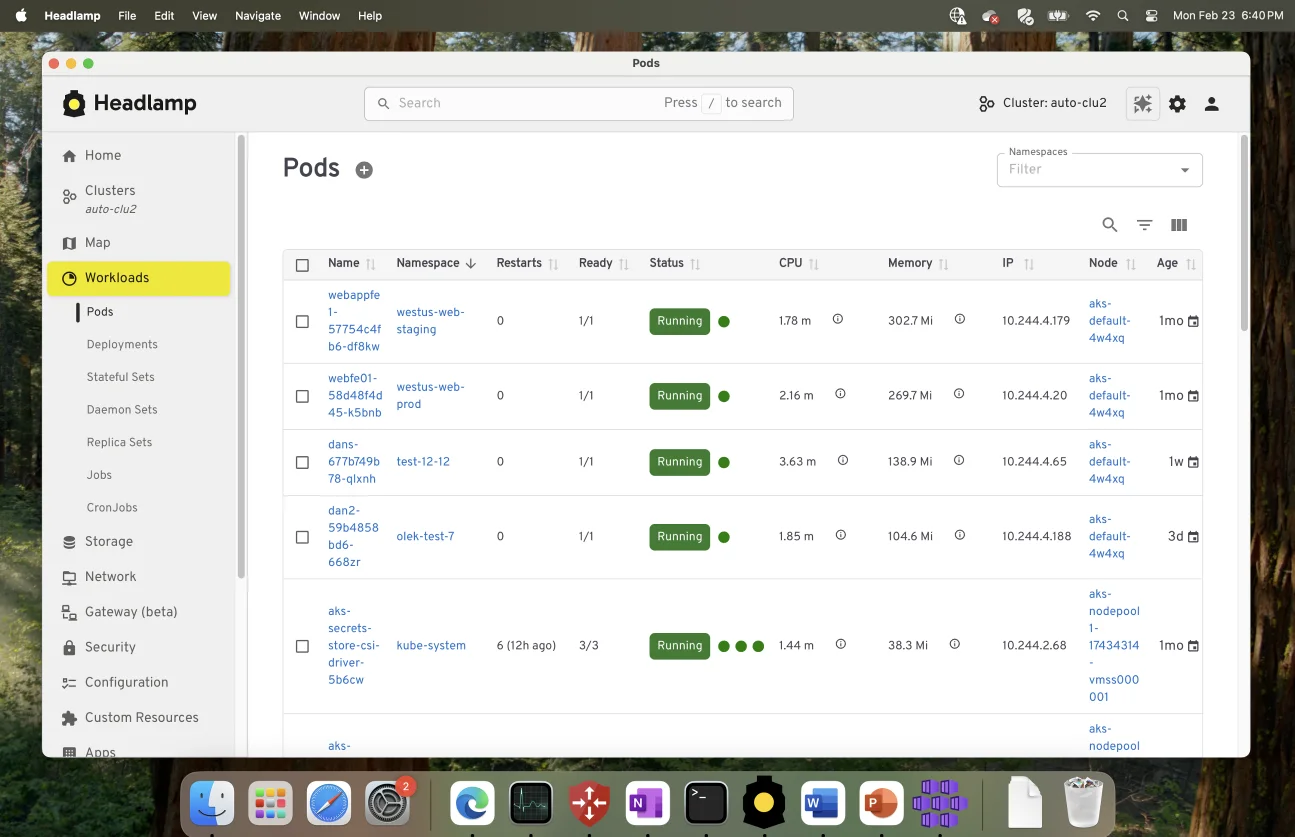
The experience of browsing workloads remains consistent, with Headlamp enabling users to easily locate and inspect essential components like pods, deployments, services, and namespaces. The interface maintains intuitive organization, making navigation between clusters and namespaces smoother, especially in multi-environment scenarios.
Editing and Interacting with Resources
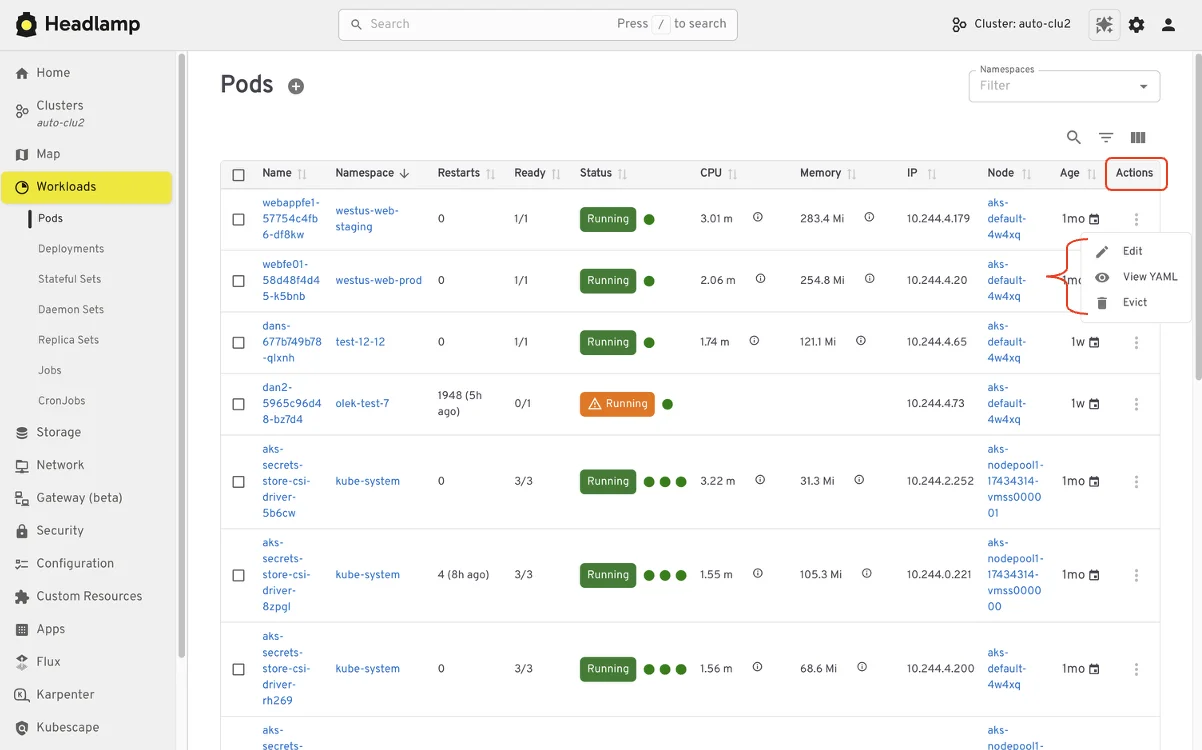
In Headlamp, users retain the ability to view and modify manifests directly from the UI, adhering to their permission settings. Actions like deleting resources, scaling workloads, and updating configurations remain straightforward. The access controls mirror the standard Kubernetes RBAC, ensuring users can take the same actions they performed in the Dashboard without a steep learning curve.
Understanding Relationships
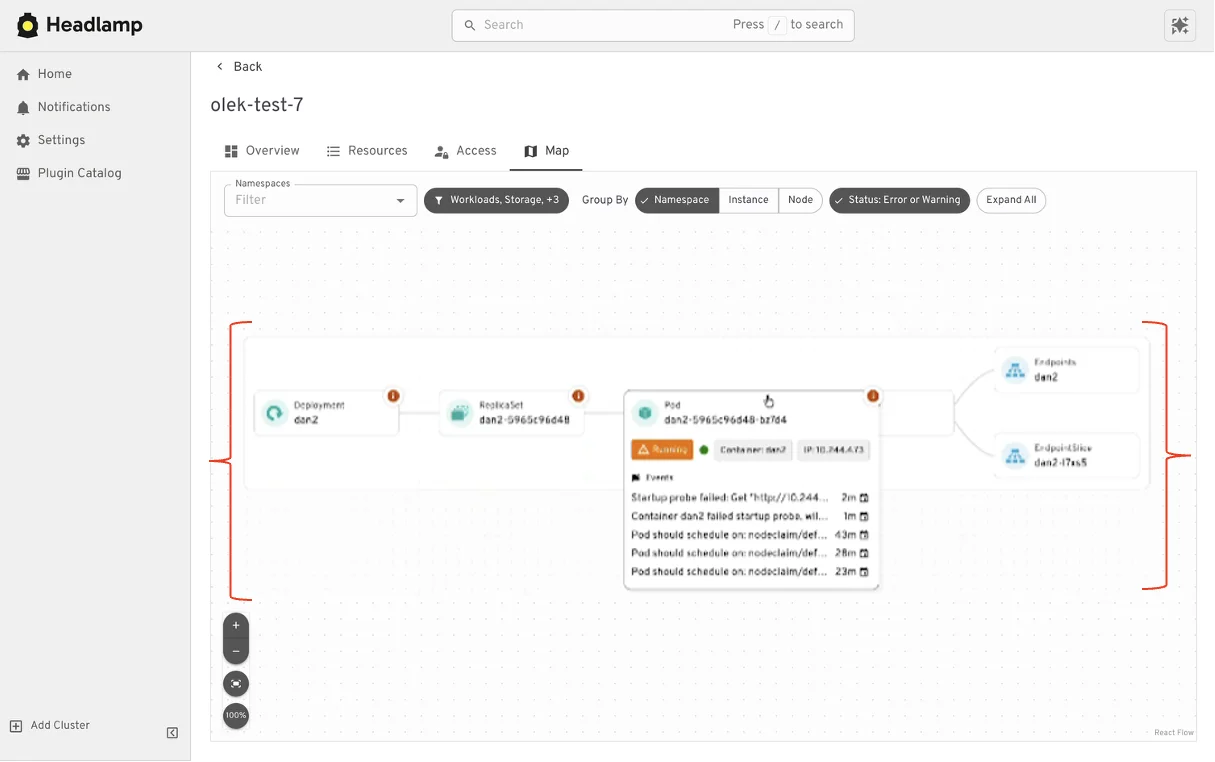
Headlamp enhances user experience by visualizing the connections between resources. Beyond traditional list views, the platform presents graphical representations illustrating how workloads, services, and configurations interrelate, introducing valuable context in a digestible manner while retaining the existing workflows that users depend on.
Where Headlamp Goes Beyond Kubernetes Dashboard
Expanding from Single Cluster to Multi-cluster Workflows
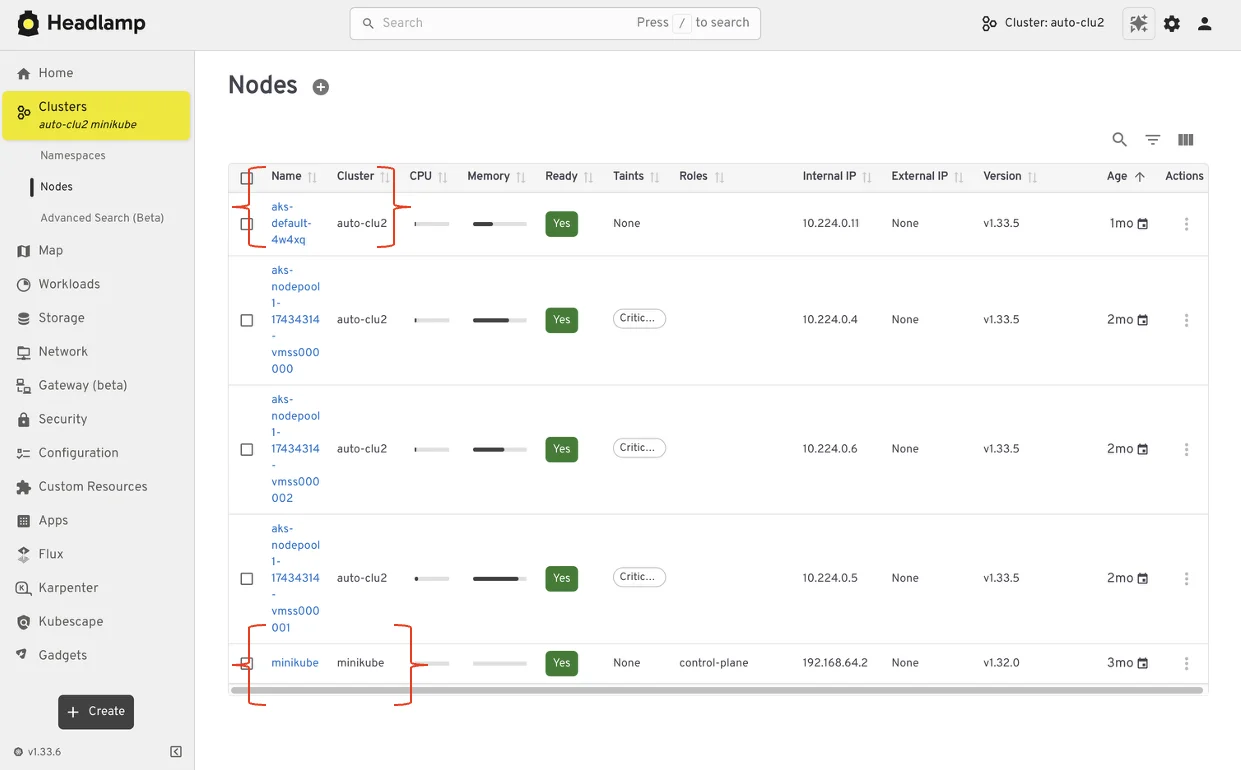
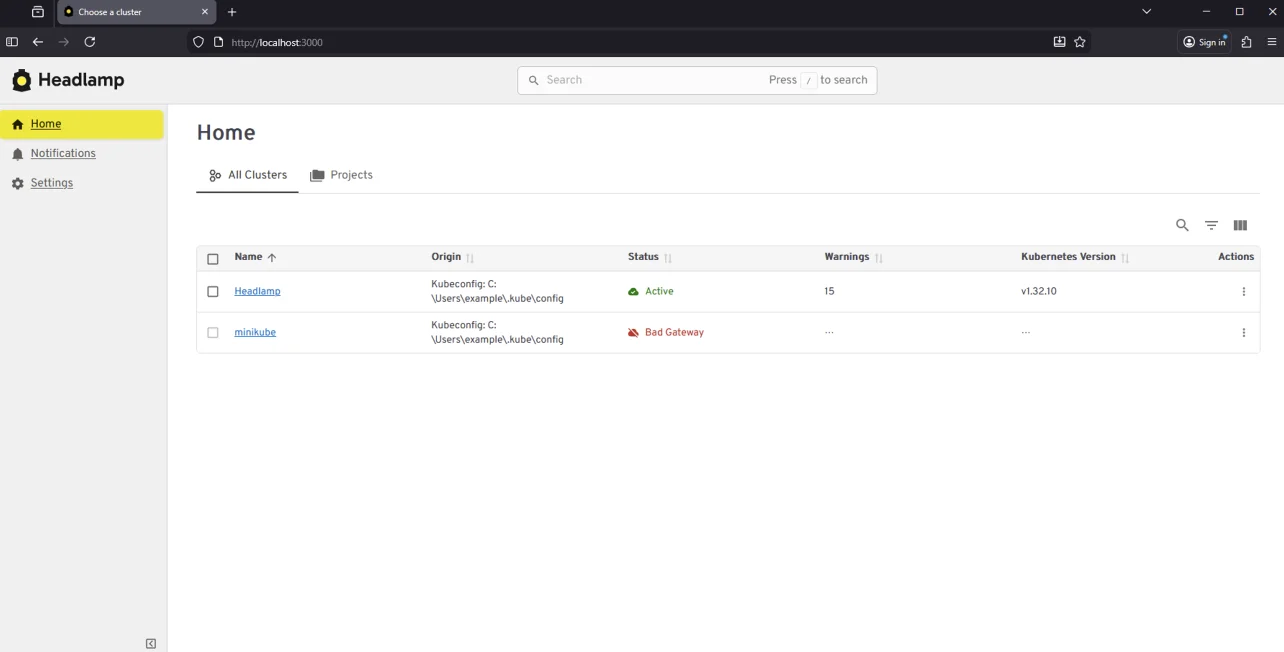
While Kubernetes Dashboard catered to single cluster management, Headlamp introduces multi-cluster capabilities, enabling users to manage various environments within a single interface. This evolution significantly benefits teams handling development, staging, and production clusters, reducing complexity and misconceptions that often arise in multi-cluster operations.
From Resource Lists to Application Context with Projects
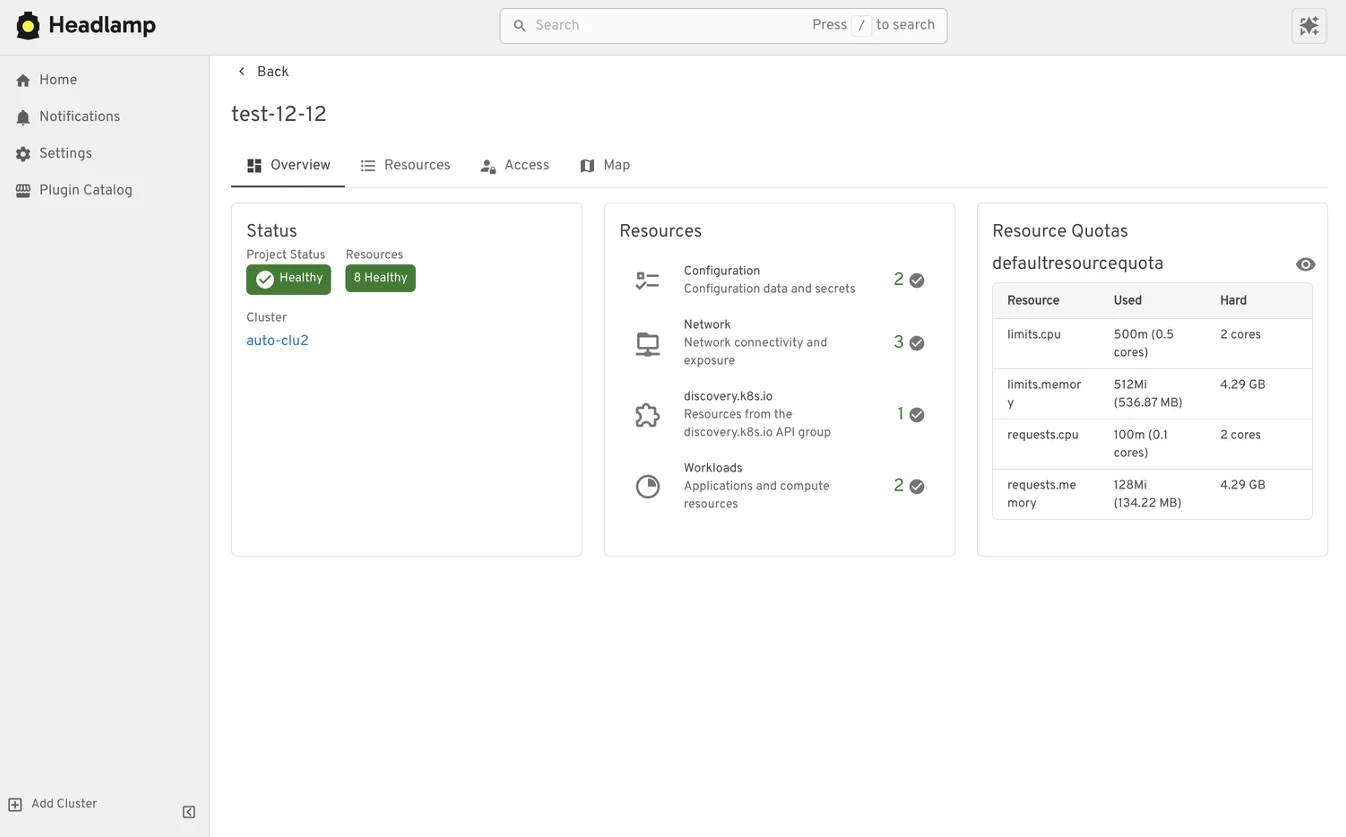
Headlamp introduces Projects, offering an application-centric approach to monitoring Kubernetes resources. Instead of flicking between disparate lists, related workloads and services can be grouped, providing a comprehensive view. This contextual landing allows users to see interconnected resources, enhancing observability without losing granular control. Projects leverage native Kubernetes constructs like namespaces and labels, ensuring consistency while adding a new layer of visualization.
Extending the Headlamp UI with Plugins
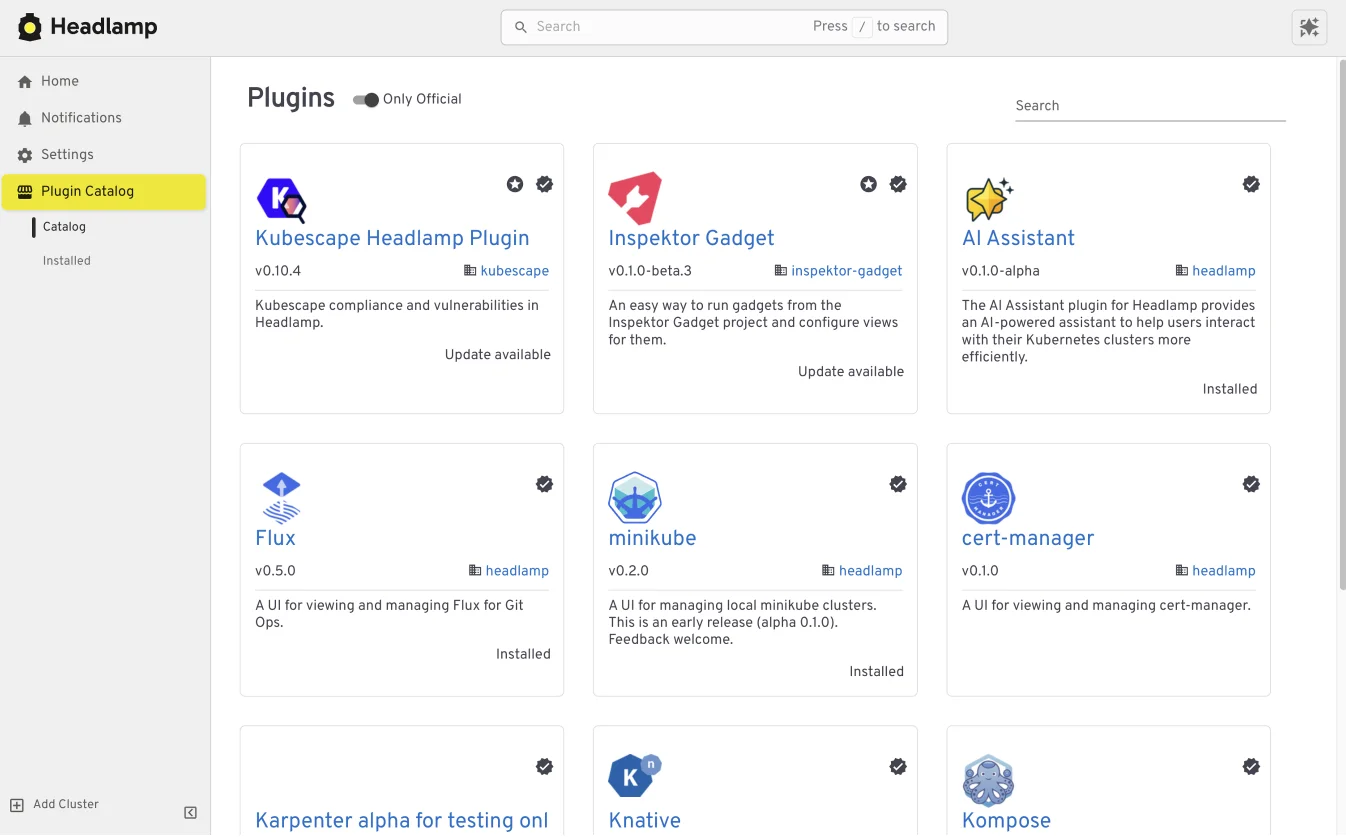
The extensibility of Headlamp through plugins sets it apart. These integrations enable users to perform common tasks directly within the UI, maintaining context without juggling multiple tools. For instance, the Flux plugin brings GitOps capabilities into Headlamp, allowing for easy correlation between application states and Kubernetes resources under Flux management.
Building Your Own Plugins
Not only does Headlamp support community-built plugins, but teams have the option to develop their own. This flexibility allows organizations to create tailored integrations that align with specific workflows, enhancing productivity while ensuring a cohesive user experience across the board.
Choosing How and Where Headlamp Runs
One of Headlamp’s significant advantages lies in its versatility regarding deployment. Users can run it either directly in a cluster for shared settings or utilize it as a desktop application, based on their workflows. This duality allows teams to manage resources effectively and adapt to various use cases, whether for local development or extensive cluster management.
Preparing for the Migration
Before making the switch to Headlamp, it's valuable to assess current Dashboard usage patterns. Identifying clusters and namespaces you frequently access and understanding authentication processes can streamline the transition, as Headlamp retains established access models. Users connecting via kubeconfig or service accounts will find their access remains unchanged in this new UI.
Reflecting on critical workflows—from inspection speed to resource editing—will help ensure they seamlessly transition into Headlamp’s environment, which supports familiar routines while introducing new features. For those eager to explore Headlamp before migration, information and trials can be found at headlamp.dev.
This overview highlights the transition from Kubernetes Dashboard to Headlamp, setting the stage for a step-by-step migration guide that will follow, delving into installation and transition details.