iOS 27 Enhances Shortcuts App with Natural Language Processing Feature
Apple's latest iOS 27 introduces a range of improvements, with particular focus on the Shortcuts app, which now boasts a new natural language processing capability. This enhancement allows users to describe the automation they need using plain language, thus making personal automation much more approachable and accessible.
Streamlined Shortcut Creation with Natural Language
The Shortcuts app has long served as a useful tool for automation enthusiasts, yet many everyday users have struggled to harness its full potential. With iOS 27, when a user sets out to create a new shortcut, they're now greeted with a prompt asking, "What do you want your shortcut to do?" This seemingly simple question represents a pivotal shift in user interaction with the app. It transforms a once-complicated interface into something far more user-friendly.
For those who’ve found the Shortcuts app intimidating, this feature might just be the key to overcoming the learning curve. The ability to type requests in plain English like "Draft a new note" or "Start a FaceTime" lowers the barrier to entry considerably. The app, in turn, provides relevant suggestions, guiding users through fundamental functions. This newfound accessibility is likely to appeal to a larger audience, and Apple seemingly aims to democratize automation, moving beyond its core base of tech-savvy users.
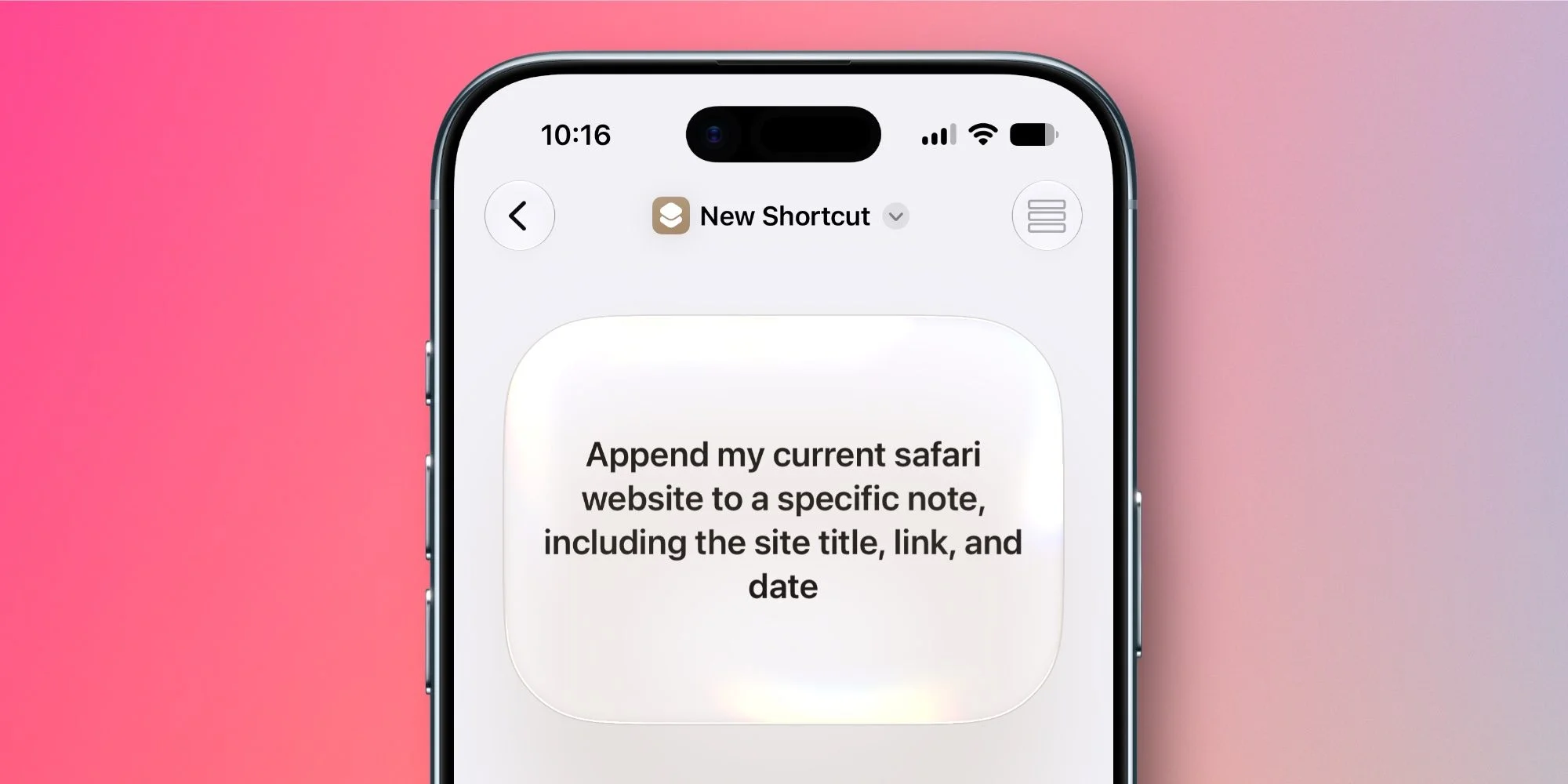
The capabilities extend beyond simple commands. Savvy users can input complex instructions, which enhances the app's versatility even further. After a user articulates their request, the Shortcuts app automatically gets to work creating the appropriate shortcut, asking clarifying questions as needed to refine the task. This dynamic interaction keeps users engaged and makes it easier for them to realize the full capabilities of their devices.
What's more, users retain the choice to build shortcuts the traditional way if they prefer a more granular approach, preserving the essence of customizable automation for those who thrive on complexity. This ability to balance simplicity for novices with depth for power users is a significant step toward a more inclusive tool.
This transformation is notable because it could reshape how personal automation is perceived and adopted by a wider audience. Is it enough to attract casual users who previously dismissed automation? Only time will tell. However, the refined user experience may well position the Shortcuts app as an indispensable tool for enhancing everyday workflows, particularly as reliance on smartphones for task management grows.
While the AI-driven capabilities have their limitations — they aren't exhaustive and may not anticipate every nuanced requirement — they're a promising starting point. More users may soon find ways to contribute to their productivity through automation, which can feel less overwhelming with this update. Apple appears to be pushing for a paradigm where personal automation isn’t just for the technically adept, but for everyone. If you've ever felt overwhelmed by automation tools, this could be your invitation to try it out.
Have you had the chance to test the new 'describe a shortcut' feature in iOS 27? What did you think? We'd love to hear your experiences in the comments below.
Recommended Accessories for Your iPhone
- MagSafe Car Mount for iPhone
- 10-year AirTag Battery Case
- AirPods Pro 3
- 100W USB-C Fast Charging Power Adapter
- AirTag 2 (1-pack / 4-pack)
FTC: We use income-earning auto affiliate links. More.
Future Outlook for Automation and User Engagement
The implications of this shift in the Shortcuts app go beyond mere convenience; they're indicative of Apple’s larger strategy towards user engagement. By breaking down barriers to entry for automation, Apple is likely looking to position the iPhone not just as a communication device, but as an integral part of personal productivity systems.
What this means for you is significant. If you're working in this space, particularly in app development or tech consulting, you'll want to consider how such features influence user expectations. As users become comfortable with voice and natural language processing, the focus will increasingly be on intuitive interactions in digital spaces. The rise of automation in user interfaces could redefine how we interact with technology across the board.
And yet, it’s also essential to keep an eye on the competition. As other tech giants also invest in similar features, the race for capturing the hearts and minds of users is likely to intensify. Apple's moves are formidable, but they should serve as a signal to other players in the market. This is one arena where complacency won't yield dividends. Keep your fingers on the pulse—both for your personal and professional toolkit.