iOS 27.3 Siri AI Limits: Which Requests Count as Advanced

Apple’s planned Siri AI limits in iOS 27.3 appear to depend on what a request asks the assistant to do. A leaked set of classification rules suggests routine commands will remain available, while requests that combine apps, multiple steps or content generation will draw on a limited advanced tier. That distinction matters more than a simple daily request count: the same assistant may still respond to a basic command after it stops handling work that depends on more involved AI processing.
Basic Siri commands remain available after the cap
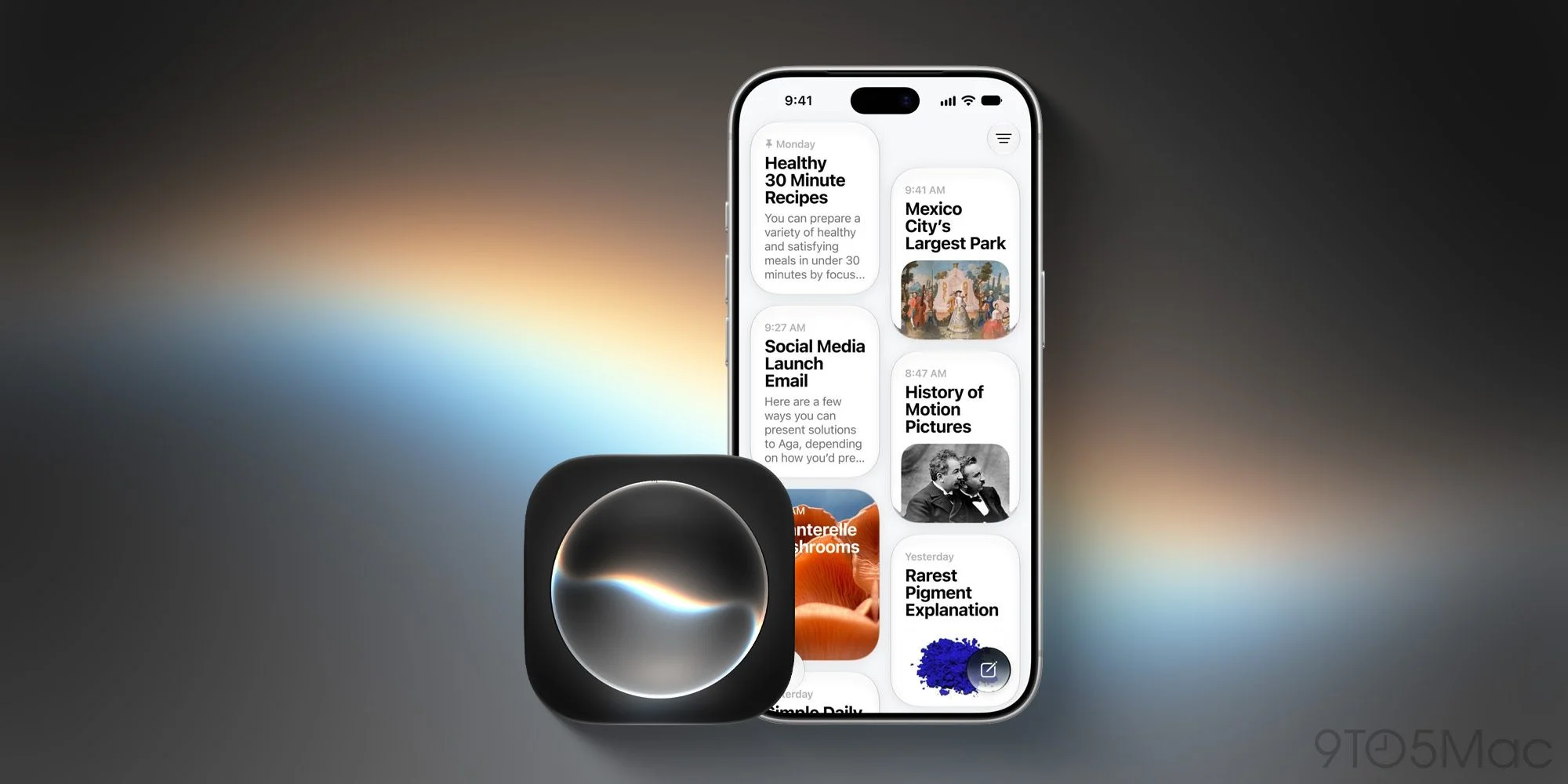
A beta user, Ben, reported reaching the daily limit and initially found that Siri still handled complex questions. He later clarified that those requests stopped working shortly afterward. Basic commands continued to work, consistent with Apple’s apparent distinction between ordinary and advanced use. His experience suggests the limit may not switch Siri off altogether; instead, it may narrow which kinds of assistance remain available once the advanced allowance is exhausted.
The distinction matters because advanced Siri features rely on server based AI models. Apple’s support guidance offers two examples: using an address in a message to work out when to leave, and adding a trip note’s summary to an email draft. Both require more than recognizing a command: Siri has to draw information from one place, interpret it, and use it in another. A leaked instruction list offers a clearer picture of the kinds of work that may count, though it doesn’t establish how Apple will handle every request in practice.
What Siri appears to classify as advanced
According to leaker pdfu, Siri checks requests against several criteria. The list groups together tasks that require the assistant to connect information, take multiple actions, interpret visual material or generate new content. A request may count as advanced when it:
- Moves information from one app, the screen or a message into another app, or uses the result of one step in a later step, such as entering a researched fact into a field.
- Combines two or more distinct asks in one sentence. Extra details for a single action, such as a recipient in cc or a time, still count as one ask.
- Summarizes or answers questions about a photo, camera view or attachment. Editing, searching and managing albums are excluded from this category.
- Deletes, archives, moves, marks or changes a group of emails, notes, reminders, messages, photos, files, contacts or events, such as all items or an entire category.
- Schedules a device action or notification around a time or trigger, sets arrival or departure alerts for another person, or creates or edits a Shortcut or automation. Alarms, timers, reminders and calendar events are excluded.
- Performs deep research or completes a multi step task on the user’s behalf.
- Creates new material, such as a story, plan, recipe, image or message drafted from a topic, or rewrites text in a tone beyond friendly, professional or concise.
That framework points to a practical boundary: direct commands should be less likely to draw on the capped allowance, while tasks that require Siri to interpret, combine or produce information are more likely to do so. The distinction isn’t simply about how long a prompt is. A short request can still qualify if it links apps or asks the assistant to complete several actions in sequence.
There are also boundaries within the categories. The list distinguishes a single command with details from multiple separate asks, and it carves familiar actions such as setting reminders out of some scheduling cases. Those distinctions could help users understand what remains available, but they also leave room for ambiguity: a natural language request can bundle several steps without making that structure obvious to the person asking.
Clear rules will shape how people use Siri
Apple has not publicly documented these criteria in detail. Until it does, users may have to learn the boundary through Siri’s responses, especially when a request mixes simple actions with research or writing. That makes the quality of the assistant’s explanation part of the experience: a clear notice could tell someone why a task has reached a limit, while a vague failure would leave them guessing which part of the request caused it.
The limit’s real test is predictability
iOS 27.3’s rollout should make the daily limit more concrete, but the classification rules will matter most when people can predict their effect. If you’re working in this space, the key product question is whether Siri can separate an advanced step from a basic command in a mixed request, and explain what it can still do. This is more significant than it looks: a cap that preserves simple commands may be less disruptive, but only if users can tell which work consumes the allowance before they depend on it.
And yet, the leaked categories describe a policy boundary, not necessarily the exact behavior people will see in every conversation. The system may have to judge intent from phrasing, context and the actions requested, which can make edge cases hard to anticipate. (And this is the part most people overlook.) A quota is easier to accept when its rules are visible and its remaining capacity is understandable.
For now, the clearest reading is that Siri’s basic utility is meant to survive the cap, while more interpretive and generative work may be rationed. A useful separation. Whether it feels fair will depend on how consistently Apple applies it and how well Siri communicates the limit when a request crosses the line.